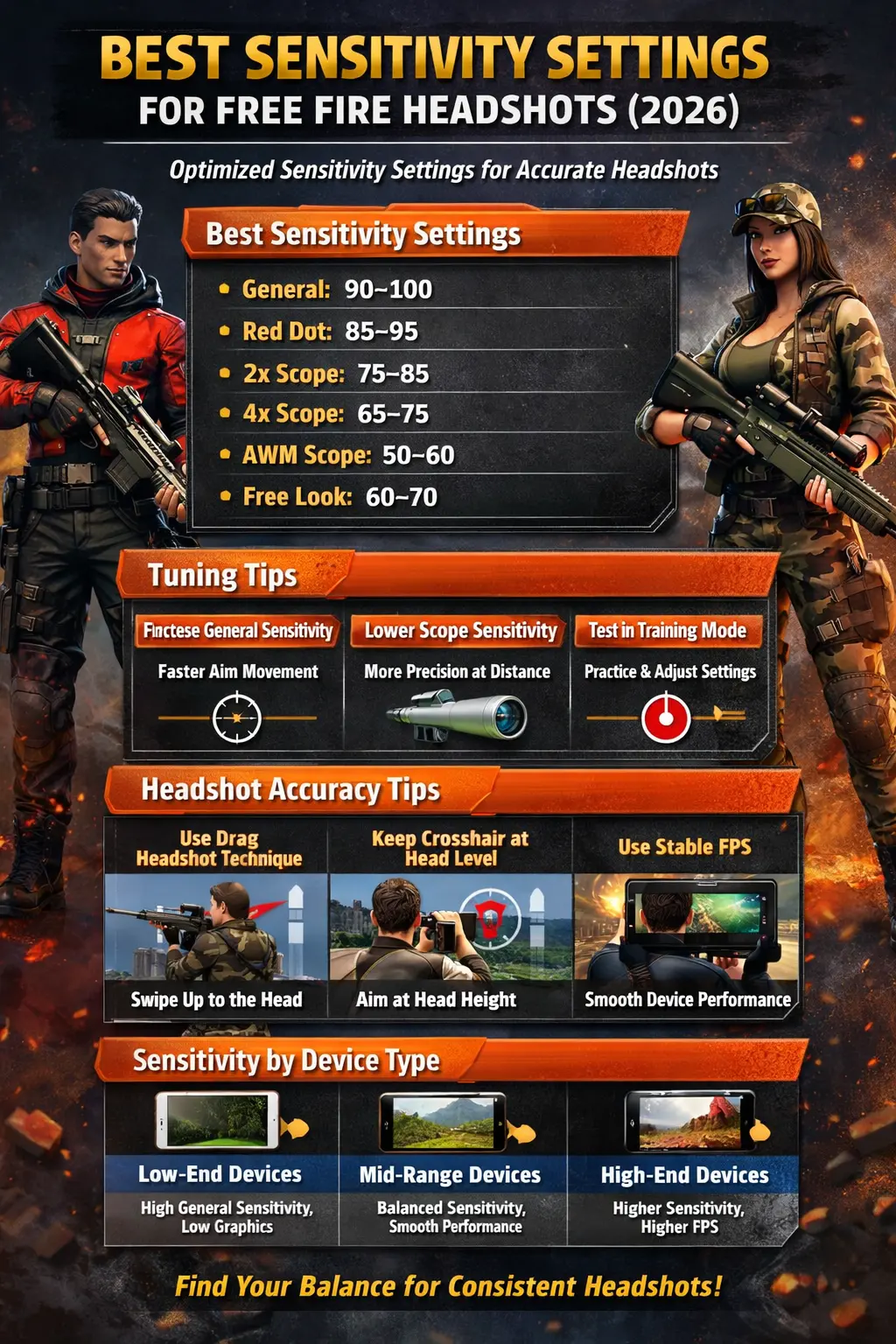
Landing consistent headshots in Free Fire is not just about skill—it is about having the right sensitivity settings. With a properly tuned setup, you can improve your aim, reduce drag delay, and increase your chances of hitting accurate headshots in every fight.
In this guide, you will learn the best Free Fire sensitivity settings for headshots in 2026, along with practical tips to fine-tune them for your device.
Why Sensitivity Matters for Headshots
Sensitivity controls how quickly your aim moves when you swipe. If it is too high, your aim becomes unstable. If it is too low, you cannot react fast enough.
The goal is to achieve:
- Fast target tracking
- Smooth drag control
- Precise crosshair placement
These are essential for consistent headshots, especially in close and mid-range fights.
Best Free Fire Sensitivity Settings for Headshots
Here is a balanced setup that works well for most Android devices:
- General: 90–100
- Red Dot: 85–95
- 2x Scope: 75–85
- 4x Scope: 65–75
- AWM Scope: 50–60
- Free Look: 60–70
These values provide a good mix of speed and control, allowing smoother head tracking and better recoil handling.
How to Adjust Sensitivity for Better Headshots
Increase General Sensitivity
Higher General sensitivity helps you drag the aim quickly toward the enemy’s head.
Lower Scope Sensitivity Gradually
Scopes require more control. Slightly lower sensitivity helps you stabilize your aim when shooting at distance.
Test in Training Mode
Do not copy settings blindly. Always test your setup and adjust step by step.
Best Tips to Improve Headshot Accuracy
Use Drag Headshot Technique
Drag your aim slightly upward while shooting. This technique increases the chance of hitting the head instead of the body.
Keep Crosshair at Head Level
Always aim at head height while moving around the map. This reduces the need for big adjustments during fights.
Use Stable Device Performance
Low FPS makes aiming harder. For better performance, follow basic Android optimization practices from Android Help, which explains how system settings can affect app performance.
Practice With the Same Settings
Consistency is key. Avoid changing sensitivity every day.
Choose the Right Weapons
Some weapons are easier for headshots:
- MP40 (close range)
- M1014 (shotgun fights)
- SCAR (mid-range control)
Sensitivity Based on Device Type
Low-End Devices
- Use slightly higher General sensitivity
- Keep graphics low for stable FPS
Mid-Range Devices
- Balanced sensitivity works best
- Combine smooth performance with control
High-End Devices
- You can use more aggressive (higher) sensitivity
- Better FPS allows faster reactions
Common Mistakes to Avoid
- Using extremely high sensitivity (causes shaky aim)
- Using very low sensitivity (slow reaction)
- Changing settings too frequently
- Ignoring FPS and device performance
Extra Tip
If you face technical issues, login problems, or game errors, you can check the official Garena Free Fire Support for updates and troubleshooting.
Conclusion
The best sensitivity settings for Free Fire headshots in 2026 are all about balance. You need enough speed to react quickly and enough control to stay accurate.
Start with the recommended settings in this guide, adjust them based on your device, and practice consistently. Over time, your aim will improve, and headshots will become much easier.