Playing PUBG Mobile on a 2GB RAM device can be challenging due to frequent lag, frame drops, and overheating. However, with the right graphics settings and proper optimization, you can still enjoy a smoother and more stable gaming experience.
In this guide, you will find the best PUBG Mobile graphics settings specifically for 2GB RAM devices, along with practical tips to reduce lag and improve performance.
Why PUBG Mobile Struggles on 2GB RAM Devices
Devices with 2GB RAM have limited resources, which makes it difficult to handle heavy games like PUBG Mobile. Common issues include:
- Low and unstable FPS
- Lag during fights
- Delayed touch response
- Overheating
- App crashes
To fix this, you need to minimize the workload on your device by using lighter settings.
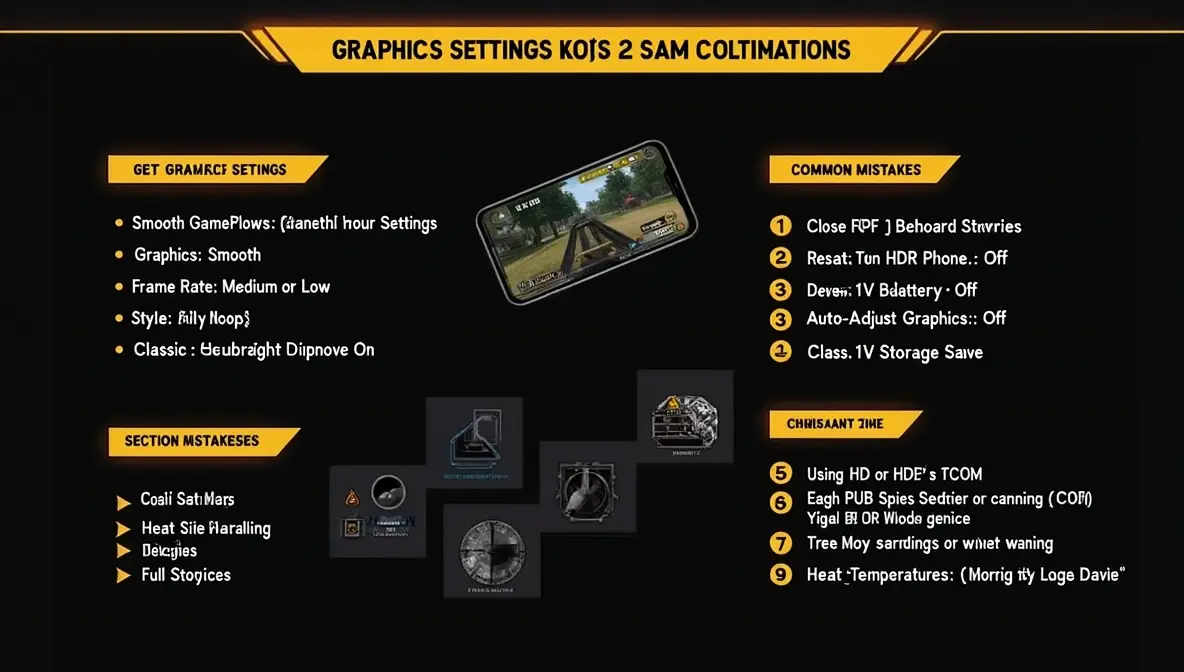
Best PUBG Mobile Graphics Settings for 2GB RAM
These settings are optimized for maximum stability and minimum lag.
Graphics: Smooth
Set Graphics to Smooth.
This is the most important setting. It reduces visual details and helps your device maintain a more stable frame rate.
Frame Rate: Medium (or Low if Needed)
Set Frame Rate to Medium.
If your device still lags, switch to Low. Stability is more important than higher FPS on 2GB devices.
Style: Classic
Choose Classic style.
It keeps visuals simple and avoids unnecessary effects.
Anti-Aliasing: Off
Turn Anti-Aliasing Off.
This feature increases GPU load and should be disabled on low-end devices.
Shadows: Off
Disable Shadows completely.
Shadows can significantly reduce performance, especially during combat.
Auto-Adjust Graphics: On
Turn Auto-Adjust Graphics On.
This allows the game to lower settings automatically when performance drops.
Best Optimization Tips for 2GB RAM Phones
Close Background Apps
Before launching PUBG Mobile, close all unnecessary apps to free up RAM.
Turn Off Battery Saver
Battery Saver can reduce device performance. According to Android Help, this mode limits system activity and may affect app performance, including games.
Restart Your Phone Before Playing
Restarting clears memory and improves system responsiveness.
Keep Storage Free
Low storage can slow down your phone. Always keep enough free space available.
Avoid Overheating
- Do not play while charging
- Play in a cool place
- Take breaks between matches
Heat is one of the biggest causes of lag.
Use Lite Resources (If Available)
Avoid downloading unnecessary HD resource packs inside the game to reduce load on your device.
Extra Tip
If you face issues such as crashes, login errors, or update problems, you can check the official PUBG MOBILE Support for troubleshooting and updates.
Common Mistakes to Avoid
- Using HD or HDR graphics on 2GB devices
- Setting frame rate too high
- Playing with full storage
- Keeping many apps running in the background
- Ignoring overheating
Conclusion
The best PUBG Mobile graphics settings for 2GB RAM devices focus on stability, not visuals.
By using Smooth graphics, keeping frame rate moderate, disabling heavy effects, and optimizing your phone, you can significantly reduce lag and enjoy a more playable experience.
Even on a 2GB RAM device, the right settings can make a big difference in performance.