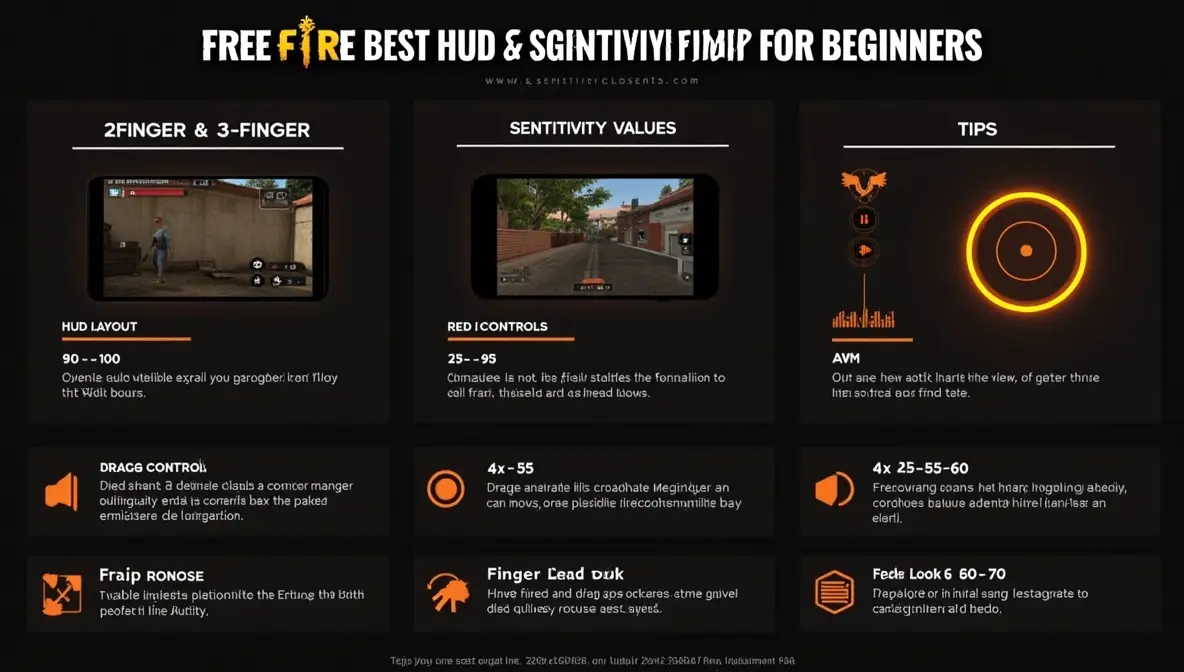
If you want to improve your aim, reaction time, and overall performance in COD Mobile multiplayer, your sensitivity settings are one of the most important factors. The right setup can help you control recoil, track enemies smoothly, and win more gunfights.
In this guide, you will find the best COD Mobile sensitivity settings for multiplayer, along with tips to adjust them based on your playstyle and device.
Why Sensitivity Settings Matter in Multiplayer
Multiplayer matches are fast-paced and require quick reactions. If your sensitivity is not optimized, you may struggle with:
- Over-aiming or under-aiming
- Poor recoil control
- Slow target tracking
- Inconsistent accuracy
The goal is to balance speed and control for smoother gameplay.
Best Camera Sensitivity Settings
Camera sensitivity controls how fast your view moves when you are not shooting.
- Standard Sensitivity: 90–100
- ADS (Tap & Hold): 80–95
- Tactical Scope: 70–85
- Sniper Scope: 50–65
These values allow fast scanning while maintaining control during movement.
Best Firing Sensitivity (ADS Sensitivity)
Firing sensitivity is the most important setting for recoil control.
- Standard Sensitivity: 85–100
- ADS Sensitivity: 75–90
- Tactical Scope: 60–80
- Sniper Scope: 40–60
Lower sensitivity on higher zoom scopes helps improve accuracy and reduces recoil shake.
Best Gyroscope Sensitivity (Optional)
If you use gyroscope, you can achieve better recoil control and precision.
- Standard: 250–350
- ADS: 200–300
- Tactical Scope: 150–250
- Sniper Scope: 80–150
Gyroscope allows finer control compared to touch-only aiming.
How to Adjust Sensitivity for Better Performance
Start With Recommended Values
Use the settings above as a base, then adjust gradually based on your comfort.
Test in Multiplayer Matches
Practice in real matches instead of copying settings blindly.
Keep Your FPS Stable
Sensitivity feels completely different on unstable FPS. Make sure your game runs smoothly. You can follow general performance tips from Android Help, which explains how system settings can affect app performance.
Adjust Based on Your Playstyle
- Aggressive players: Slightly higher sensitivity for faster reactions
- Defensive players: Lower sensitivity for better accuracy
Best Tips for Better Aim in COD Mobile
Control Recoil Properly
Drag your aim slightly downward while shooting to control recoil.
Use the Right Weapons
Some weapons are easier to control in multiplayer, especially for beginners.
Practice Consistently
Stick with one sensitivity setup for several days to build muscle memory.
Avoid Frequent Changes
Changing settings too often will slow your improvement.
Device Optimization Tips
Close Background Apps
Free up RAM before playing.
Avoid Overheating
- Do not play while charging
- Take breaks between matches
Use Game Booster
If available, enable gaming tools like Samsung Game Booster to improve performance.
Extra Tip
If you face issues such as bugs, login errors, or gameplay problems, you can check the official COD Mobile Support page for help.
Common Mistakes to Avoid
- Using extremely high sensitivity (leads to shaky aim)
- Using very low sensitivity (slow reactions)
- Ignoring ADS sensitivity
- Playing with unstable FPS
- Copying pro settings without testing
Conclusion
The best COD Mobile sensitivity settings for multiplayer focus on achieving the perfect balance between speed and control.
Start with the recommended values, adjust gradually, and practice consistently. With the right setup and stable performance, your aim and reaction time will improve significantly in multiplayer matches.