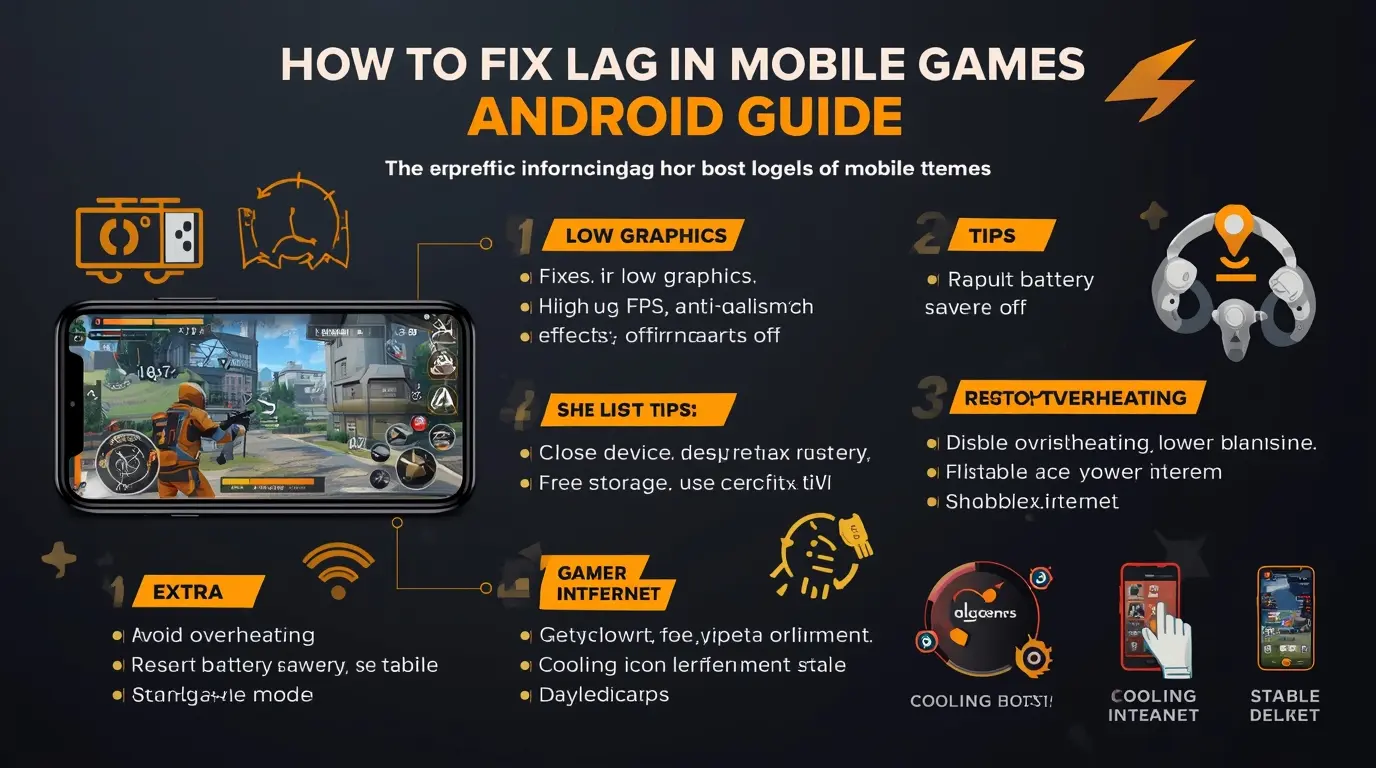
Lag is one of the most frustrating problems in mobile gaming. Whether you are playing PUBG Mobile, Free Fire, COD Mobile, or any other game, lag can ruin your experience with frame drops, stuttering, and delayed controls.
The good news is that most lag issues can be fixed with the right settings and simple optimizations. In this complete guide, you will learn how to fix lag in mobile games on Android and achieve smoother gameplay.
What Causes Lag in Mobile Games?
Before fixing the problem, it is important to understand the main causes:
- Low RAM and weak processor
- High graphics settings
- Background apps using resources
- Overheating
- Low storage space
- Poor system optimization
Fixing lag is about reducing system load and improving device efficiency.
1. Lower In-Game Graphics Settings
The first and most effective step is to reduce graphics.
Recommended Settings:
- Graphics: Low or Smooth
- Frame Rate: High (if stable)
- Shadows: Off
- Anti-Aliasing: Off
- Effects: Low
Lower graphics reduce GPU and CPU load, helping your device maintain stable FPS.
2. Close Background Apps
Apps running in the background consume RAM and processing power.
Before playing:
- Close all unnecessary apps
- Clear recent apps list
This frees resources for your game.
3. Turn Off Battery Saver
Battery Saver can limit device performance. According to Android Help, this mode restricts system activity and may reduce app performance, including games.
Turning it off allows your phone to use full performance power.
4. Restart Your Device
A simple restart can:
- Clear temporary memory
- Stop hidden background processes
- Improve system responsiveness
Do this before long gaming sessions.
5. Free Up Storage Space
Low storage slows down your phone and causes lag.
Tips:
- Delete unused apps
- Clear cache
- Remove large files
Keeping enough free space improves performance.
6. Use Game Booster or Game Mode
Many Android phones include gaming tools that optimize performance.
For example, Samsung Game Booster allows you to control performance, manage background apps, and improve stability during gameplay.
7. Prevent Overheating
Heat is one of the biggest causes of lag.
To reduce heat:
- Do not play while charging
- Play in a cool environment
- Take breaks between matches
When your device overheats, it automatically reduces performance.
8. Update Your System and Games
Updates often include:
- Performance improvements
- Bug fixes
- Better optimization
Always keep your Android system and games updated.
9. Reduce Screen Brightness
High brightness increases heat and battery usage. Lowering it slightly can help maintain performance.
10. Use Stable Internet Connection
Online games require a good connection.
- Use Wi-Fi instead of mobile data when possible
- Avoid crowded networks
- Stay close to the router
Network lag can feel similar to performance lag.
Common Mistakes to Avoid
- Using maximum graphics on weak devices
- Playing while charging
- Keeping many apps open
- Ignoring overheating
- Not updating the system
Extra Tip
If you experience crashes, login issues, or technical problems, you can visit official support pages like PUBG MOBILE Support or your game’s help center for troubleshooting.
Conclusion
Fixing lag in mobile games on Android is not complicated. By lowering graphics, closing background apps, preventing overheating, and optimizing your device, you can achieve smoother gameplay on almost any phone.
The key is simple: reduce load, improve stability, and maintain consistent performance.