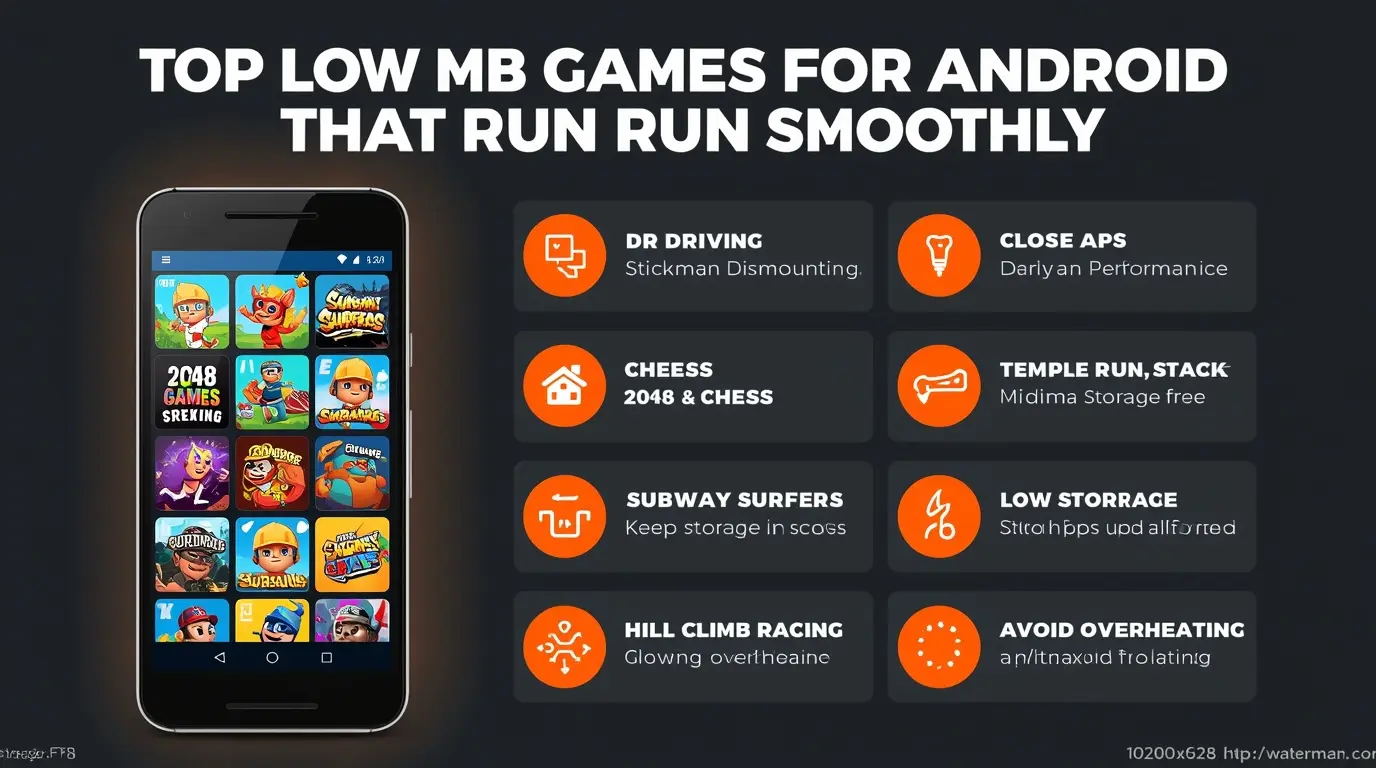
If you have limited storage or a low-end Android phone, downloading heavy games can quickly slow down your device. The good news is that there are many low MB Android games that are lightweight, fun, and run smoothly even on weak devices.
In this guide, you will discover the top low MB games for Android that offer smooth gameplay without lag.
Why Choose Low MB Games?
Low-size games are perfect for budget phones because they:
- Take less storage space
- Run smoothly on low RAM devices
- Load faster
- Reduce lag and overheating
They are ideal for phones with 2GB–3GB RAM or limited storage.
Top Low MB Games for Android
1. Dr. Driving (Less than 15MB)
A lightweight driving simulator that runs smoothly on almost any device.
- Very small size
- Simple controls
- No lag gameplay
2. Stickman Dismounting (Around 20MB)
A fun physics-based game with simple mechanics.
- Lightweight
- Smooth performance
- Works on very weak devices
3. 2048 Puzzle Game (Less than 10MB)
A classic puzzle game that is extremely lightweight.
- Offline gameplay
- Minimal storage usage
- Perfect for casual gaming
4. Chess (Offline) (Around 15MB)
A simple chess game that runs smoothly on all devices.
- Offline mode
- No heavy graphics
- Great for strategy lovers
5. Subway Surfers (Optimized Version)
Although slightly larger, it is highly optimized and runs well on low-end devices.
- Smooth gameplay
- Lightweight compared to modern games
- No lag experience
6. Temple Run (Low Size Version)
A classic endless runner that works perfectly on weak phones.
- Fast loading
- Smooth controls
- Low system requirements
7. Stack (Less than 30MB)
A simple arcade game where you stack blocks.
- Minimal graphics
- Very smooth performance
- Addictive gameplay
8. Hill Climb Racing (Around 50MB)
A lightweight driving game that runs smoothly even on older devices.
- Offline gameplay
- Low hardware requirements
- Stable performance
Best Settings for Smooth Gameplay
Even lightweight games perform better with proper settings.
Recommended:
- Close background apps
- Keep storage space available
- Avoid overheating
Tips to Keep Games Running Smoothly
Close Background Apps
Free up RAM before launching games.
Turn Off Battery Saver
Battery Saver can reduce performance. According to Android Help, it limits system activity and may affect app performance.
Avoid Overheating
- Do not play while charging
- Take breaks
- Keep your phone cool
Keep Storage Free
Low storage can slow down your phone.
Common Mistakes to Avoid
- Installing too many games at once
- Ignoring storage limits
- Running apps in background
- Playing while charging
Extra Tip
If your phone becomes slow, restart it before gaming. This clears memory and improves performance instantly.
Conclusion
Low MB Android games are perfect for smooth gaming on weak devices. They take less space, run faster, and provide a lag-free experience.
By choosing lightweight games and optimizing your phone, you can enjoy gaming without needing a high-end device.