If you are using a low-end Android phone, gaming can often feel slow and frustrating بسبب lag و frame drops. Many games require more power than your device can handle, which leads to poor performance.
The good news is that game booster apps can help optimize your phone, free up RAM, and improve gaming performance. In this guide, you will discover the top game booster apps for low-end Android devices in 2026.
Why Low-End Devices Need Game Booster Apps
Low-end phones have limited resources, which makes gaming difficult.
Common issues include:
- Low RAM
- Background apps consuming CPU
- Overheating
- Poor system optimization
Game booster apps help by:
- Freeing memory
- Closing background apps
- Optimizing system performance
Top Game Booster Apps for Low-End Android
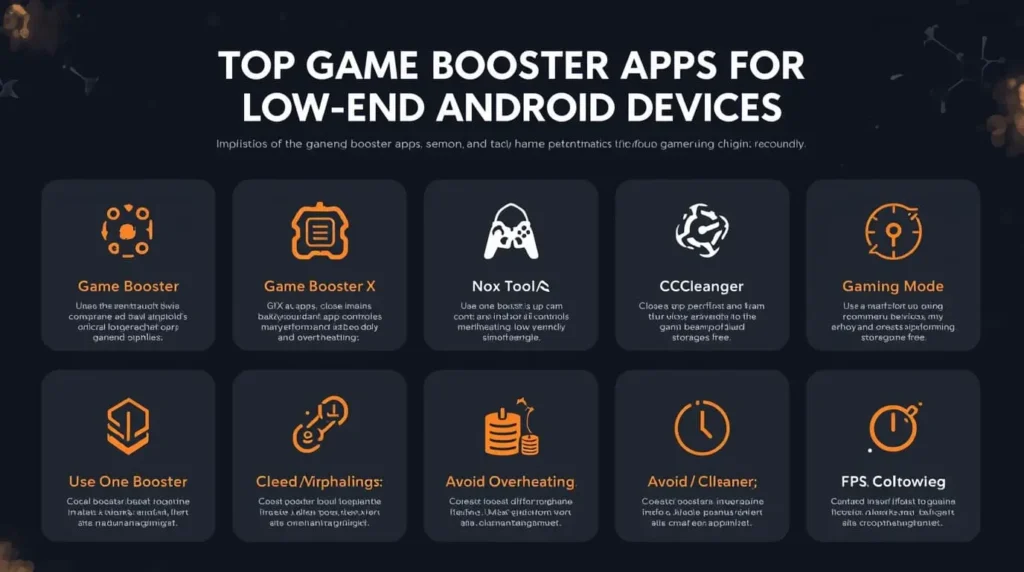
1. Game Booster (Built-in / Samsung Game Booster)
Many Android phones come with built-in game boosters.
For example, Samsung Game Booster helps manage performance, control background apps, and improve gaming stability.
- No extra installation needed
- Optimized for device hardware
- Best for supported phones
2. Game Booster X
A lightweight app designed for low-end devices.
- One-tap boost
- Clears RAM instantly
- Simple interface
3. GFX Tool (For Supported Games)
Allows advanced control over graphics settings.
- Reduce resolution
- Unlock FPS
- Improve performance
⚠️ Use only with supported games and trusted versions.
4. Nox Cleaner
A popular cleaning and optimization tool.
- Removes junk files
- Boosts RAM
- Improves speed
5. CCleaner
One of the most trusted cleaning apps.
- Clears cache
- Frees storage
- Improves device responsiveness
6. Gaming Mode Apps
Some third-party apps provide gaming mode features like blocking notifications and optimizing performance.
According to Android Help, limiting background activity and system processes can improve app performance, including games.
Best Settings to Use With Game Booster Apps
Using booster apps alone is not enough. Combine them with proper settings:
- Graphics: Low or Smooth
- Frame Rate: Medium or High (stable only)
- Shadows: Off
- Effects: Low
This ensures maximum performance improvement.
Best Tips for Better Results
1. Use Only One Booster App
Using multiple apps can cause conflicts and reduce performance.
2. Close Apps Before Boosting
Manual cleaning + booster app = better results.
3. Avoid Overheating
- Do not play while charging
- Take breaks
- Keep your phone cool
4. Keep Storage Free
Low storage reduces performance significantly.
Common Mistakes to Avoid
- Installing too many booster apps
- Using untrusted tools
- Relying only on apps without adjusting game settings
- Ignoring overheating issues
Extra Tip
Game booster apps help, but the biggest improvement always comes from lowering graphics settings. Always prioritize stability over visuals.
Conclusion
Game booster apps can significantly improve gaming performance on low-end Android devices when used correctly.
Choose a trusted app, combine it with proper settings, and keep your device optimized for the best results. Smooth gameplay is possible—even on weak phones.