
If you are using a weak or low-end smartphone, you might think that gaming is not an option. Many modern mobile games require powerful hardware, which leads to lag, crashes, and overheating on budget devices.
However, there are still many great mobile games that run smoothly on low-end phones. In this guide, you will discover the best mobile games for weak phones that offer smooth gameplay without lag.
Why Weak Phones Struggle With Games
Low-end devices usually have:
- Limited RAM
- Basic processors
- Weak GPUs
- Less efficient cooling
Because of this, heavy games can cause:
- Frame drops
- Lag and stuttering
- Overheating
- Slow loading times
That is why choosing lightweight and optimized games is essential.
Best Mobile Games for Low-End Devices
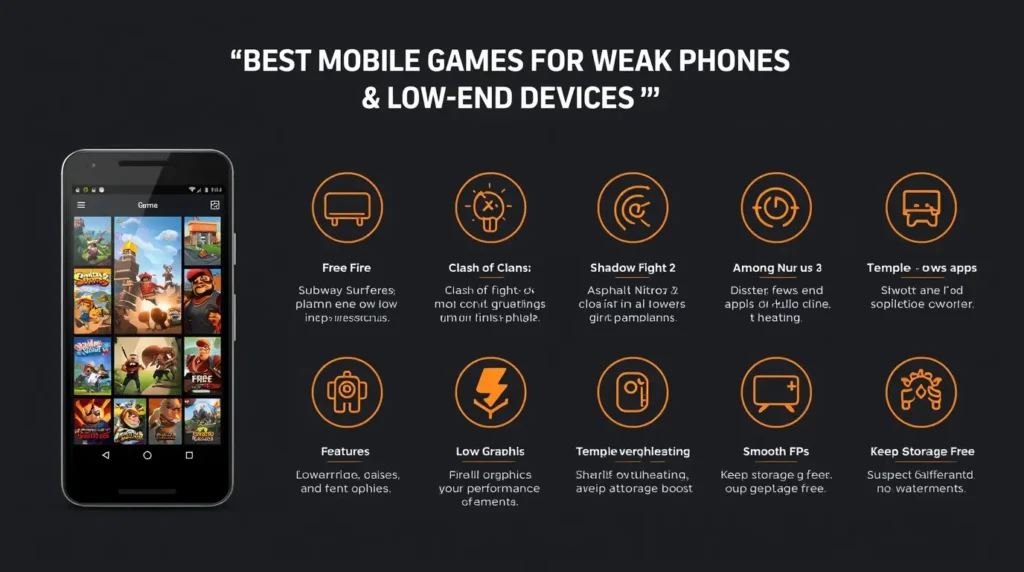
1. Free Fire
Free Fire is one of the best battle royale games optimized for low-end devices.
- Smooth performance
- Small match size
- Low system requirements
If you face issues, you can check the official Garena Free Fire Support for help and updates.
2. Subway Surfers
A classic endless runner that works on almost any phone.
- Lightweight
- Offline mode available
- Very smooth gameplay
3. Clash of Clans
A popular strategy game that runs well even on weak devices.
- Online gameplay
- Low hardware requirements
- Stable performance
4. Shadow Fight 2
A fighting game with simple graphics and smooth animations.
- Offline gameplay
- Lightweight design
- Good performance
5. Asphalt Nitro
A lighter version of Asphalt racing games.
- Small size
- Smooth racing experience
- Designed for low-end phones
6. Among Us
A simple multiplayer game with very low system requirements.
- Lightweight
- Easy to run
- Fun gameplay
7. Temple Run 2
A fast-paced runner game that performs well on older devices.
- Optimized for low-end phones
- Offline gameplay
- Smooth controls
8. Hill Climb Racing
A physics-based driving game that works on almost any device.
- Very lightweight
- Simple gameplay
- No lag
Best Settings for Smooth Gameplay
Even lightweight games need proper settings for the best performance.
Recommended:
- Graphics: Low
- Frame Rate: Medium or High (stable only)
- Effects: Low
Tips to Reduce Lag on Weak Phones
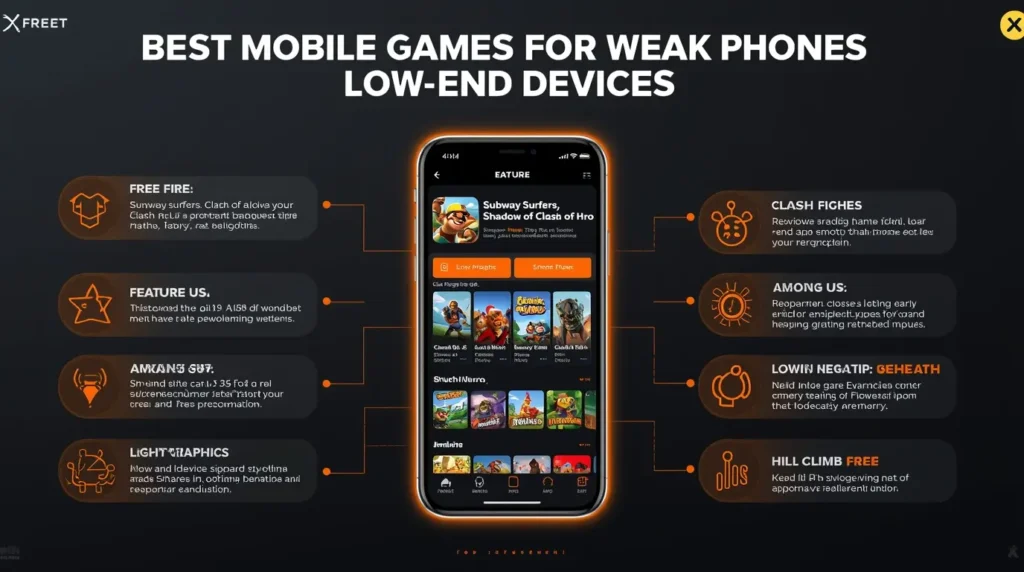
Close Background Apps
Free up RAM before launching games.
Turn Off Battery Saver
Battery Saver can limit performance. According to Android Help, it reduces system activity and may affect app performance.
Avoid Overheating
- Do not play while charging
- Take breaks
- Keep your phone cool
Keep Storage Free
Low storage slows down your phone and causes lag.
Common Mistakes to Avoid
- Installing heavy games not optimized for low-end devices
- Using high graphics settings
- Playing while charging
- Keeping many apps open
Extra Tip
If a game feels laggy, try lowering the frame rate instead of increasing it. Stability is more important than high FPS on weak devices.
Conclusion
You do not need a powerful phone to enjoy gaming. With the right game choices and proper optimization, even weak Android devices can run games smoothly.
Focus on lightweight games, adjust your settings, and keep your device optimized for the best experience.