Best Shooting Games for 2GB RAM Android Phones

Finding good shooting games that run smoothly on a 2GB RAM phone can be difficult. Most modern FPS games require high performance, which leads to lag, frame drops, and overheating on low-end devices.

The good news is that there are still many lightweight shooting games that work perfectly on 2GB RAM phones. In this guide, you will discover the best shooting games for smooth and lag-free gameplay.


Why Shooting Games Lag on 2GB RAM Phones

Shooting games are usually demanding because they include real-time combat, detailed maps, and heavy effects.

Low-end devices struggle due to:

  • Limited RAM and weak processors
  • High graphics and effects
  • Background apps consuming resources
  • Overheating during gameplay

That is why choosing optimized and lightweight shooting games is essential.


Best Shooting Games for 2GB RAM Android Phones


1. Free Fire

One of the most popular battle royale games optimized for low-end devices.

  • Smooth performance on 2GB RAM
  • Small match size
  • Fast-paced gameplay

If you face issues, you can visit Garena Free Fire Support for updates and troubleshooting.


2. PUBG Mobile Lite (If Available)

A lighter version of PUBG Mobile designed for low-end phones.

  • Smaller maps
  • Fewer players
  • Better performance

You can check updates on PUBG MOBILE Support.


3. Cover Fire

A great offline shooting game with good optimization.

  • Story mode available offline
  • Smooth controls
  • Works well on weak devices

4. Modern Sniper

A lightweight sniper game that runs smoothly.

  • Simple gameplay
  • Low storage size
  • Good performance on 2GB RAM

5. Major Mayhem 2

A fun arcade-style shooting game with low requirements.

  • Cartoon-style graphics
  • Smooth gameplay
  • Very lightweight

6. Into the Dead 2

A survival shooter with simple mechanics and good optimization.

  • Offline gameplay
  • Smooth performance
  • Works on low-end devices

Best Settings for Smooth Gameplay

Even optimized games need proper settings.

Recommended Settings:

  • Graphics: Low or Smooth
  • Frame Rate: Medium
  • Shadows: Off
  • Effects: Low

These settings help maintain stable FPS.


Best Tips to Reduce Lag

1. Close Background Apps

Free RAM before playing.


2. Turn Off Battery Saver

Battery Saver can limit performance. According to Android Help, it reduces system activity and may affect app performance.


3. Avoid Overheating

  • Do not play while charging
  • Take breaks
  • Keep your phone cool

4. Keep Storage Free

Low storage slows down your phone and causes lag.


Common Mistakes to Avoid

  • Installing heavy shooting games
  • Using high graphics settings
  • Playing while charging
  • Keeping many apps open

Extra Tip

If a game feels unstable, lower the frame rate instead of increasing it. Stability is more important than higher FPS on 2GB RAM devices.


Conclusion

You can still enjoy shooting games on a 2GB RAM Android phone if you choose the right titles and optimize your settings.

Focus on lightweight games, reduce graphics, and keep your device optimized for smooth and lag-free gameplay.
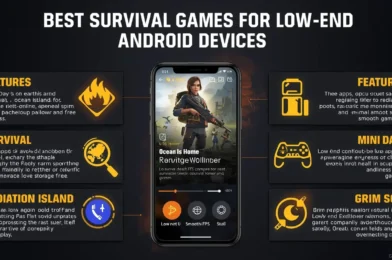
Best Survival Games for Low-End Android Devices

Survival games are some of the most exciting mobile games, but many of them require powerful devices. If you are using a low-end Android phone, you may experience lag, crashes, or overheating when playing heavy survival games.

The good news is that there are several lightweight survival games that run smoothly even on weak devices. In this guide, you will discover the best survival games for low-end Android devices that offer a smooth and enjoyable experience.


Why Survival Games Lag on Low-End Phones

Survival games are usually demanding because they include large maps, crafting systems, and real-time interactions.

Low-end devices struggle due to:

  • Limited RAM and weak processors
  • Heavy graphics and detailed environments
  • Background apps consuming resources
  • Overheating during long gameplay

That is why choosing optimized and lightweight survival games is important.


Best Survival Games for Low-End Android Devices


1. Last Day on Earth: Survival (Lite Play Style)

A popular survival game that can run on low-end devices with low settings.

  • Crafting and base building
  • Zombie survival gameplay
  • Works better on low graphics

2. Survival Island: EVO

A lightweight survival game designed for weaker phones.

  • Offline gameplay
  • Simple crafting system
  • Smooth performance

3. Ocean Is Home: Survival Island

A realistic survival simulator with low system requirements.

  • Building and crafting
  • Open-world exploration
  • Runs well on 2GB RAM

4. Radiation Island (Optimized Settings)

A survival adventure game that can run smoothly if settings are reduced.

  • Story-driven gameplay
  • Open-world survival
  • Better performance on low graphics

5. Mini DAYZ

A pixel-style survival game that is extremely lightweight.

  • Offline gameplay
  • Very low storage usage
  • Smooth on almost any device

6. Grim Soul: Dark Survival (Low Settings)

A dark survival RPG that can run on low-end phones with proper settings.

  • Crafting and exploration
  • Survival mechanics
  • Playable on Smooth graphics

Best Settings for Smooth Gameplay

Even lightweight survival games need proper optimization.

Recommended Settings:

  • Graphics: Low or Smooth
  • Frame Rate: Medium
  • Shadows: Off
  • Effects: Low

These settings help reduce lag and improve stability.


Best Tips for Better Performance

1. Close Background Apps

Free RAM before launching the game.


2. Turn Off Battery Saver

Battery Saver can reduce performance. According to Android Help, it limits system activity and may affect app performance.


3. Avoid Overheating

  • Do not play while charging
  • Take breaks
  • Keep your phone cool

4. Keep Storage Space Free

Low storage can slow down your device and cause lag.


Common Mistakes to Avoid

  • Installing heavy survival games not optimized for low-end devices
  • Using high graphics settings
  • Playing for long periods without breaks
  • Keeping many apps running in background

Extra Tip

If a survival game feels laggy, reduce frame rate instead of increasing it. Stable performance is more important than higher FPS on weak devices.


Conclusion

Survival games can still be enjoyable on low-end Android devices if you choose the right titles and optimize your settings.

Focus on lightweight games, use low graphics, and keep your phone optimized to enjoy smooth and lag-free gameplay.
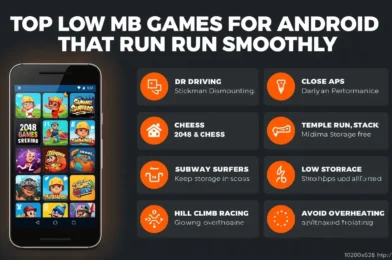
Top Low MB Games for Android That Run Smoothly

If you have limited storage or a low-end Android phone, downloading heavy games can quickly slow down your device. The good news is that there are many low MB Android games that are lightweight, fun, and run smoothly even on weak devices.

In this guide, you will discover the top low MB games for Android that offer smooth gameplay without lag.


Why Choose Low MB Games?

Low-size games are perfect for budget phones because they:

  • Take less storage space
  • Run smoothly on low RAM devices
  • Load faster
  • Reduce lag and overheating

They are ideal for phones with 2GB–3GB RAM or limited storage.


Top Low MB Games for Android


1. Dr. Driving (Less than 15MB)

A lightweight driving simulator that runs smoothly on almost any device.

  • Very small size
  • Simple controls
  • No lag gameplay

2. Stickman Dismounting (Around 20MB)

A fun physics-based game with simple mechanics.

  • Lightweight
  • Smooth performance
  • Works on very weak devices

3. 2048 Puzzle Game (Less than 10MB)

A classic puzzle game that is extremely lightweight.

  • Offline gameplay
  • Minimal storage usage
  • Perfect for casual gaming

4. Chess (Offline) (Around 15MB)

4. Chess (Offline) (Around 15MB)

A simple chess game that runs smoothly on all devices.

  • Offline mode
  • No heavy graphics
  • Great for strategy lovers

5. Subway Surfers (Optimized Version)

Although slightly larger, it is highly optimized and runs well on low-end devices.

  • Smooth gameplay
  • Lightweight compared to modern games
  • No lag experience

6. Temple Run (Low Size Version)

A classic endless runner that works perfectly on weak phones.

  • Fast loading
  • Smooth controls
  • Low system requirements

7. Stack (Less than 30MB)

A simple arcade game where you stack blocks.

  • Minimal graphics
  • Very smooth performance
  • Addictive gameplay

8. Hill Climb Racing (Around 50MB)

A lightweight driving game that runs smoothly even on older devices.

  • Offline gameplay
  • Low hardware requirements
  • Stable performance

Best Settings for Smooth Gameplay

Even lightweight games perform better with proper settings.

Recommended:

  • Close background apps
  • Keep storage space available
  • Avoid overheating

Tips to Keep Games Running Smoothly

Close Background Apps

Free up RAM before launching games.


Turn Off Battery Saver

Battery Saver can reduce performance. According to Android Help, it limits system activity and may affect app performance.


Avoid Overheating

  • Do not play while charging
  • Take breaks
  • Keep your phone cool

Keep Storage Free

Low storage can slow down your phone.


Common Mistakes to Avoid

  • Installing too many games at once
  • Ignoring storage limits
  • Running apps in background
  • Playing while charging

Extra Tip

If your phone becomes slow, restart it before gaming. This clears memory and improves performance instantly.


Conclusion

Low MB Android games are perfect for smooth gaming on weak devices. They take less space, run faster, and provide a lag-free experience.

By choosing lightweight games and optimizing your phone, you can enjoy gaming without needing a high-end device.

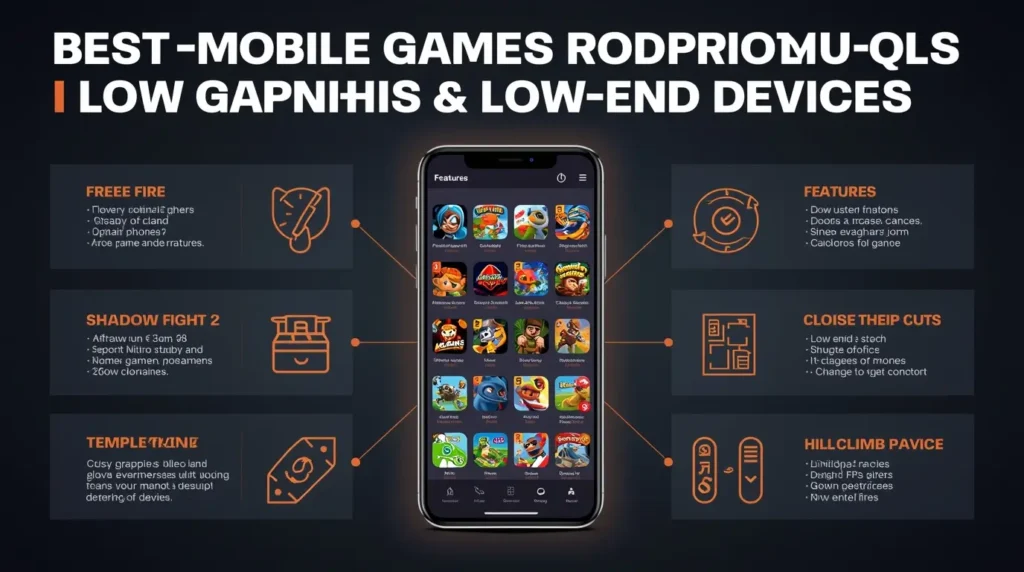
Best Mobile Games for Weak Phones (Low-End Devices)

If you are using a weak or low-end smartphone, you might think that gaming is not an option. Many modern mobile games require powerful hardware, which leads to lag, crashes, and overheating on budget devices.

However, there are still many great mobile games that run smoothly on low-end phones. In this guide, you will discover the best mobile games for weak phones that offer smooth gameplay without lag.


Why Weak Phones Struggle With Games

Low-end devices usually have:

  • Limited RAM
  • Basic processors
  • Weak GPUs
  • Less efficient cooling

Because of this, heavy games can cause:

  • Frame drops
  • Lag and stuttering
  • Overheating
  • Slow loading times

That is why choosing lightweight and optimized games is essential.


Best Mobile Games for Low-End Devices

Mobile Games for Low-End Devices

1. Free Fire

Free Fire is one of the best battle royale games optimized for low-end devices.

  • Smooth performance
  • Small match size
  • Low system requirements

If you face issues, you can check the official Garena Free Fire Support for help and updates.


2. Subway Surfers

A classic endless runner that works on almost any phone.

  • Lightweight
  • Offline mode available
  • Very smooth gameplay

3. Clash of Clans

A popular strategy game that runs well even on weak devices.

  • Online gameplay
  • Low hardware requirements
  • Stable performance

4. Shadow Fight 2

A fighting game with simple graphics and smooth animations.

  • Offline gameplay
  • Lightweight design
  • Good performance

5. Asphalt Nitro

A lighter version of Asphalt racing games.

  • Small size
  • Smooth racing experience
  • Designed for low-end phones

6. Among Us

A simple multiplayer game with very low system requirements.

  • Lightweight
  • Easy to run
  • Fun gameplay

7. Temple Run 2

A fast-paced runner game that performs well on older devices.

  • Optimized for low-end phones
  • Offline gameplay
  • Smooth controls

8. Hill Climb Racing

A physics-based driving game that works on almost any device.

  • Very lightweight
  • Simple gameplay
  • No lag

Best Settings for Smooth Gameplay

Even lightweight games need proper settings for the best performance.

Recommended:

  • Graphics: Low
  • Frame Rate: Medium or High (stable only)
  • Effects: Low

Tips to Reduce Lag on Weak Phones

Mobile Games for Low-End Devices

Close Background Apps

Free up RAM before launching games.


Turn Off Battery Saver

Battery Saver can limit performance. According to Android Help, it reduces system activity and may affect app performance.


Avoid Overheating

  • Do not play while charging
  • Take breaks
  • Keep your phone cool

Keep Storage Free

Low storage slows down your phone and causes lag.


Common Mistakes to Avoid

  • Installing heavy games not optimized for low-end devices
  • Using high graphics settings
  • Playing while charging
  • Keeping many apps open

Extra Tip

If a game feels laggy, try lowering the frame rate instead of increasing it. Stability is more important than high FPS on weak devices.


Conclusion

You do not need a powerful phone to enjoy gaming. With the right game choices and proper optimization, even weak Android devices can run games smoothly.

Focus on lightweight games, adjust your settings, and keep your device optimized for the best experience.

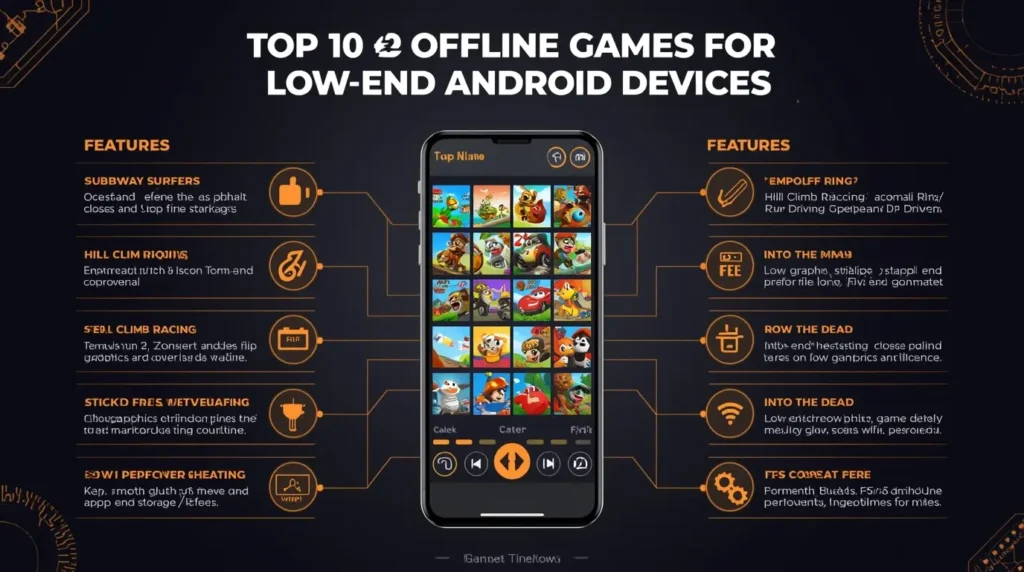
Top 10 Offline Games for Low-End Android Devices (2026)

Not everyone has a powerful smartphone or a constant internet connection. If you are using a low-end Android device, finding offline games that run smoothly without lag can be a challenge.

The good news is that many lightweight offline games still offer great gameplay without requiring high specs. In this guide, you will discover the top 10 offline games for low-end Android devices in 2026.


Why Choose Offline Games for Low-End Devices?

Offline games are perfect for budget phones because they:

  • Use less RAM and CPU
  • Do not require internet connection
  • Reduce battery consumption
  • Run more smoothly on weak hardware

This makes them ideal for 2GB–3GB RAM devices.


Top 10 Offline Games for Low-End Android


1. Subway Surfers

A classic endless runner that works perfectly on almost any Android device.

  • Lightweight and smooth
  • No internet required
  • Fast-paced gameplay

2. Shadow Fight 2

A popular fighting game with smooth animations and low system requirements.

  • Offline gameplay
  • Simple controls
  • Runs well on low-end phones

3. Asphalt Nitro

A lighter version of Asphalt designed specifically for low-end devices.

  • Small download size
  • Smooth racing experience
  • Optimized performance

4. Hill Climb Racing

A fun physics-based driving game that runs on almost all devices.

  • Very lightweight
  • Offline gameplay
  • Easy to play

5. Dr. Driving

One of the best lightweight driving games.

  • Small size
  • Smooth performance
  • Works well on 2GB RAM

6. Temple Run 2

A well-known endless runner with simple mechanics.

  • Optimized for low-end devices
  • Offline mode
  • Smooth gameplay

7. Cover Fire

An offline shooting game with surprisingly good optimization.

  • Story mode available offline
  • Decent graphics for low-end phones
  • Smooth controls

8. Into the Dead

A survival zombie game that runs well even on weaker devices.

  • Offline gameplay
  • Simple controls
  • Immersive experience

9. Stickman Dismounting

A physics-based game that is both fun and lightweight.

  • Very small size
  • Smooth performance
  • Works on almost any phone

10. Plants vs Zombies

A classic strategy game that still runs smoothly on low-end devices.

  • Offline gameplay
  • Low system requirements
  • Addictive mechanics

Tips for Smooth Gameplay on Low-End Devices

Tips for Smooth Gameplay on Low-End Devices

Even offline games can lag if your phone is not optimized.

Lower In-Game Settings

Always set graphics to low if the option is available.


Close Background Apps

Free up RAM before launching games.


Turn Off Battery Saver

Battery Saver may reduce performance. According to Android Help, it limits system activity and can affect app performance.


Avoid Overheating

  • Do not play while charging
  • Take breaks
  • Keep your phone cool

Common Mistakes to Avoid

  • Installing heavy offline games
  • Keeping too many apps open
  • Playing for long periods without breaks
  • Ignoring storage space

Extra Tip

If a game becomes laggy over time, try restarting your phone before playing. This clears memory and improves performance.


Conclusion

Low-end Android devices can still provide a great gaming experience if you choose the right games.

The offline games listed above are lightweight, smooth, and perfect for 2026. Combine them with proper device optimization, and you will enjoy lag-free gameplay even on budget phones.

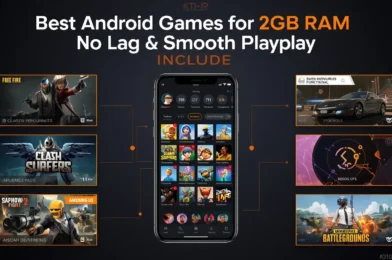
Best Android Games for 2GB RAM (No Lag & Smooth Gameplay)

Finding good games that run smoothly on a 2GB RAM phone can be difficult. Many modern games require powerful hardware, which leads to lag, crashes, and overheating on low-end devices.

The good news is that there are still many lightweight Android games that offer smooth gameplay without lag. In this guide, you will discover the best Android games for 2GB RAM devices that run smoothly in 2026.


Why 2GB RAM Phones Struggle With Games

Phones with 2GB RAM have limited resources, which makes it hard to run heavy games.

Common problems include:

  • Low FPS and lag
  • App crashes
  • Slow loading times
  • Overheating

That is why choosing optimized and lightweight games is essential.


Best Android Games for 2GB RAM (Smooth & No Lag)

Here are some of the best games you can play without performance issues:


1. Free Fire

Free Fire is one of the best battle royale games for low-end devices. It is well-optimized and runs smoothly even on 2GB RAM phones.

  • Small match size (50 players)
  • Fast gameplay
  • Low device requirements

If you face issues, you can check Garena Free Fire Support for updates and optimization tips.


2. Subway Surfers

A classic endless runner that works perfectly on low-end devices.

  • Smooth performance
  • Lightweight size
  • Offline gameplay

3. Clash of Clans

One of the most popular strategy games that runs well on almost any Android device.

  • Online multiplayer
  • No heavy graphics load
  • Stable performance

4. Shadow Fight 2

A fighting game with smooth animations and low system requirements.

  • Offline mode available
  • Lightweight graphics
  • Good performance on weak devices

5. Asphalt Nitro

A lighter version of Asphalt games designed for low-end phones.

  • Small download size
  • Smooth racing gameplay
  • Optimized performance

6. Among Us

A simple but fun multiplayer game that works well on low RAM devices.

  • Very lightweight
  • Online and offline modes
  • Minimal graphics requirements

7. PUBG Mobile Lite (if available in your region)

Designed specifically for low-end devices.

  • Smaller maps
  • Fewer players
  • Better performance than standard PUBG

For official information and updates, you can visit PUBG MOBILE Support.


Best Settings for Smooth Gameplay on 2GB RAM

Even lightweight games need proper settings.

Recommended:

  • Graphics: Low
  • Frame Rate: Medium
  • Shadows: Off
  • Effects: Low

These settings help maintain stable FPS.


Tips to Play Without Lag

Close Background Apps

Free up RAM before playing.


Avoid Overheating

  • Do not play while charging
  • Take breaks
  • Keep your phone cool

Turn Off Battery Saver

Battery Saver can reduce performance. According to Android Help, it limits system activity and may affect app performance.


Keep Storage Free

Low storage can slow down your phone and cause lag.


Common Mistakes to Avoid

  • Installing heavy games not designed for low-end devices
  • Using high graphics settings
  • Playing while charging
  • Keeping too many apps open

Extra Tip

If a game feels laggy, try lowering the frame rate instead of increasing it. Stability is more important than higher FPS on 2GB devices.


Conclusion

You do not need a powerful phone to enjoy gaming. With the right game choices and proper settings, 2GB RAM devices can still deliver smooth and enjoyable gameplay.

Focus on lightweight games, optimize your phone, and avoid heavy settings to get the best experience.