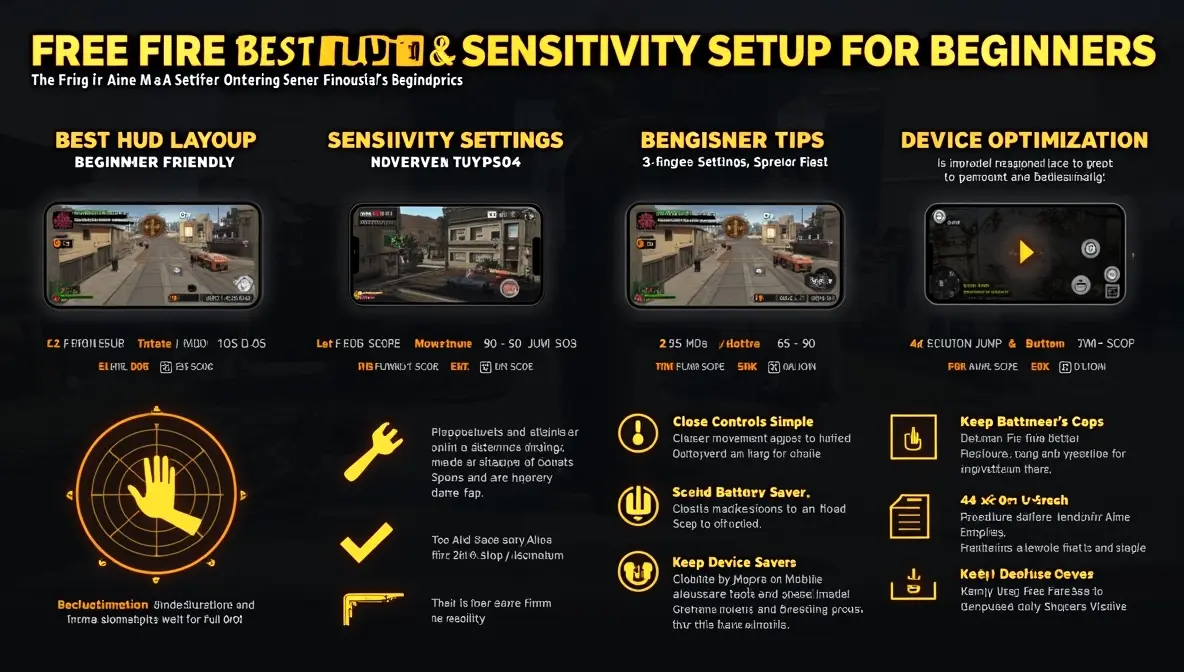
If you are new to Free Fire, having the right HUD (controls layout) and sensitivity settings can make a huge difference in your performance. Many beginners struggle not because of skill, but because their controls are not optimized.
In this guide, you will learn the best HUD and sensitivity setup for beginners in Free Fire, helping you aim better, react faster, and win more fights.
Why HUD and Sensitivity Matter
Your HUD controls how you interact with the game, while sensitivity controls how your aim moves.
A good setup helps you:
- React faster in fights
- Aim more accurately
- Control recoil better
- Avoid misclicks during intense moments
Without proper settings, even simple fights become difficult.
Best HUD Layout for Beginners
Use a 2-Finger or 3-Finger Setup
For beginners, start with:
- 2-finger setup (simple and easy to learn)
- Move to 3-finger setup once you improve
Recommended HUD Layout
- Left side: Movement joystick
- Right side: Fire button (larger size for easy tapping)
- Top right: Scope button
- Bottom center: Jump and crouch
- Keep buttons spaced to avoid accidental touches
Adjust Button Size and Transparency
- Fire button: 60–80% size
- Movement joystick: 70–90%
- Set transparency around 20–40% so buttons are visible but not distracting
Best Sensitivity Settings for Beginners
Here is a balanced setup to help you aim better:
- General: 90–100
- Red Dot: 85–95
- 2x Scope: 75–85
- 4x Scope: 65–75
- AWM Scope: 50–60
- Free Look: 60–70
These values provide a good mix of speed and control, ideal for beginners.
How to Combine HUD + Sensitivity for Better Gameplay
Keep Controls Simple
Do not overcrowd your screen. Simplicity improves reaction time.
Train Muscle Memory
Stick to the same layout and sensitivity for several days. Consistency is key.
Practice Drag Shooting
Drag your aim slightly upward while shooting to improve headshot accuracy.
Focus on Crosshair Placement
Keep your crosshair at head level while moving around the map.
Device Optimization Tips for Beginners
Close Background Apps
Free RAM by closing unnecessary apps before playing.
Turn Off Battery Saver
Battery Saver can reduce performance. According to Android Help, it may limit system activity and affect app performance.
Keep Your Device Cool
Avoid overheating by not playing while charging and taking breaks.
Use Game Mode
If your phone supports gaming tools, use them. For example, Samsung Game Booster offers performance optimization during gameplay.
Common Mistakes Beginners Make
- Using very high sensitivity (causes shaky aim)
- Copying pro HUD without practice
- Changing settings too often
- Using cluttered control layouts
- Ignoring device performance
Extra Tip
If you experience account issues, bugs, or technical problems, you can visit the official Garena Free Fire Support for help and updates.
Conclusion
The best HUD and sensitivity setup for Free Fire beginners focuses on simplicity, control, and consistency.
Start with a clean layout, use balanced sensitivity, and practice regularly. Over time, your aim, reaction speed, and overall gameplay will improve significantly.