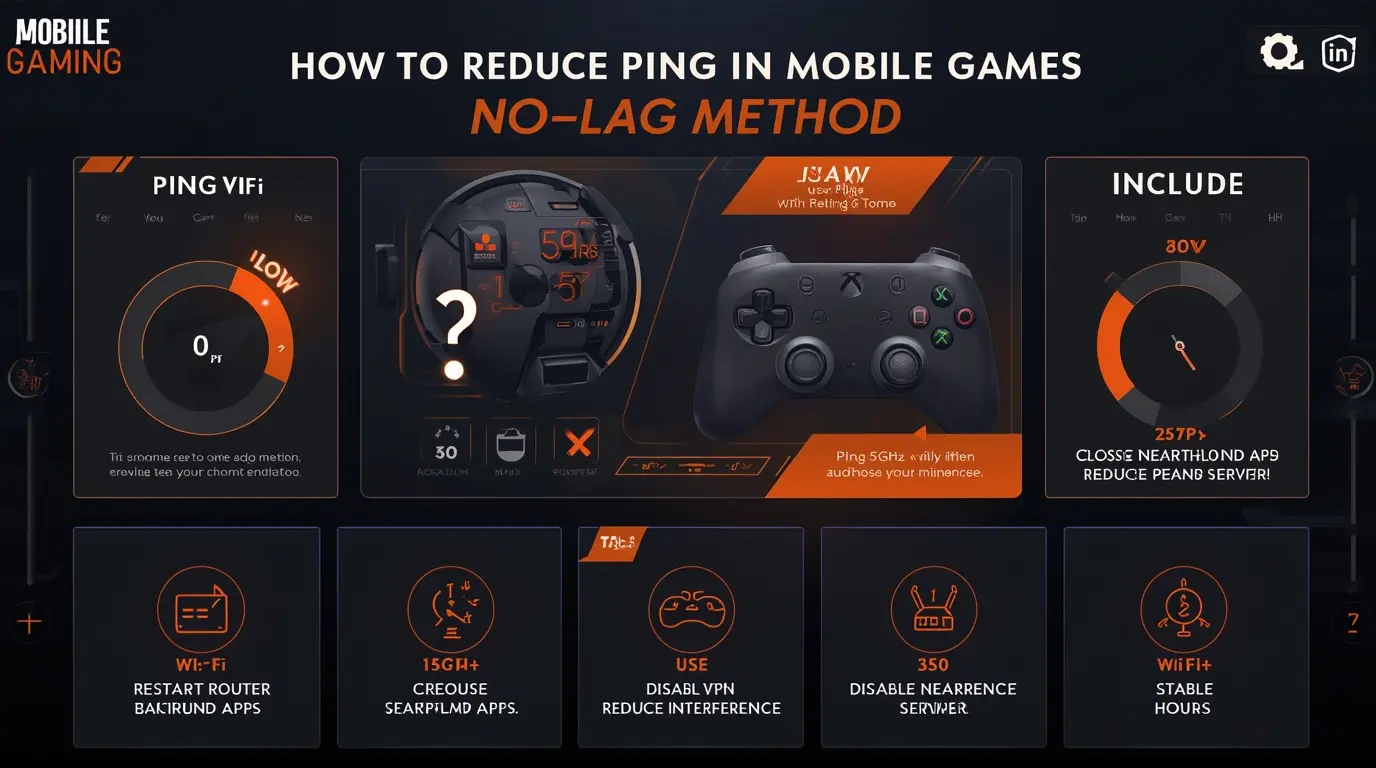
High ping is one of the biggest problems in mobile gaming. Even if your FPS is stable, a high ping can cause delays, teleporting enemies, and unresponsive controls. If you want a smooth online gaming experience, reducing ping is just as important as improving FPS.
In this guide, you will learn how to reduce ping in mobile games using simple and effective methods.
What Is Ping and Why It Matters
Ping measures the time it takes for your device to communicate with the game server.
- Low ping (0–50 ms) → smooth gameplay
- Medium ping (50–100 ms) → playable
- High ping (100+ ms) → lag and delay
High ping causes:
- Delayed shooting
- Late hit registration
- Rubberbanding (teleporting effect)
- Slow response time
1. Use a Stable Internet Connection
Your connection type is the most important factor.
Best Options:
- Use Wi-Fi instead of mobile data
- Stay close to the router
- Avoid public or crowded networks
For best results, ensure your connection is stable and not overloaded.
2. Restart Your Router
Restarting your router can fix temporary network issues.
- Turn it off for 30 seconds
- Turn it back on
- Reconnect your device
This refreshes your connection and may reduce ping.
3. Close Background Apps Using Internet
Apps running in the background can use bandwidth.
Before playing:
- Close apps like YouTube, downloads, or updates
- Stop background syncing
This ensures your game gets maximum network priority.
4. Turn Off Background Data (Optional)
Some apps continue using data even when not open. You can restrict them through Android settings.
According to Android Help, managing background data can help control how apps use your internet connection.
5. Choose the Nearest Server
Most online games allow you to select a server.
- Always choose the closest region
- Avoid distant servers (higher ping)
The closer the server, the faster the response time.
6. Avoid Playing During Peak Hours
Internet speeds may drop when many users are online.
- Try playing during off-peak hours
- Avoid evening congestion if possible
7. Use 5GHz Wi-Fi (If Available)
Modern routers support 2.4GHz and 5GHz bands.
- 5GHz → faster, lower latency (short range)
- 2.4GHz → longer range, but slower
Using 5GHz can improve ping if you are close to the router.
8. Disable VPN (If Not Needed)
VPNs can increase ping because they route your connection through distant servers.
Only use a VPN if it actually improves your routing (rare cases).
9. Keep Your Network Hardware Updated
Outdated routers or firmware can affect performance.
You can check official guidelines from manufacturers like TP-Link Support to update firmware and improve network stability.
10. Reduce Network Interference
Wi-Fi signals can be affected by:
- Walls
- Other devices
- Bluetooth interference
Try to:
- Move closer to the router
- Reduce obstacles
- Limit connected devices
Common Mistakes to Avoid
- Playing on weak mobile data signal
- Using crowded public Wi-Fi
- Running downloads while gaming
- Using VPN unnecessarily
- Connecting to distant servers
Extra Tip
If you still experience issues, check your game’s official support page or server status. For example, you can visit PUBG MOBILE Support for network-related troubleshooting.
Conclusion
Reducing ping in mobile games is mainly about improving your internet connection and reducing network load.
By using a stable Wi-Fi connection, closing background apps, choosing the nearest server, and optimizing your network settings, you can significantly reduce ping and enjoy smoother, lag-free gameplay.
Remember: low ping = faster response + better performance.